
Analytics
Google Search Console: What to Actually Look At in Your First 90 Days
Search Console reports what people searched before reaching you and which pages were stored. Four reports carry almost all the value. This is the order to read them in.
3 min readTerraWell LLC
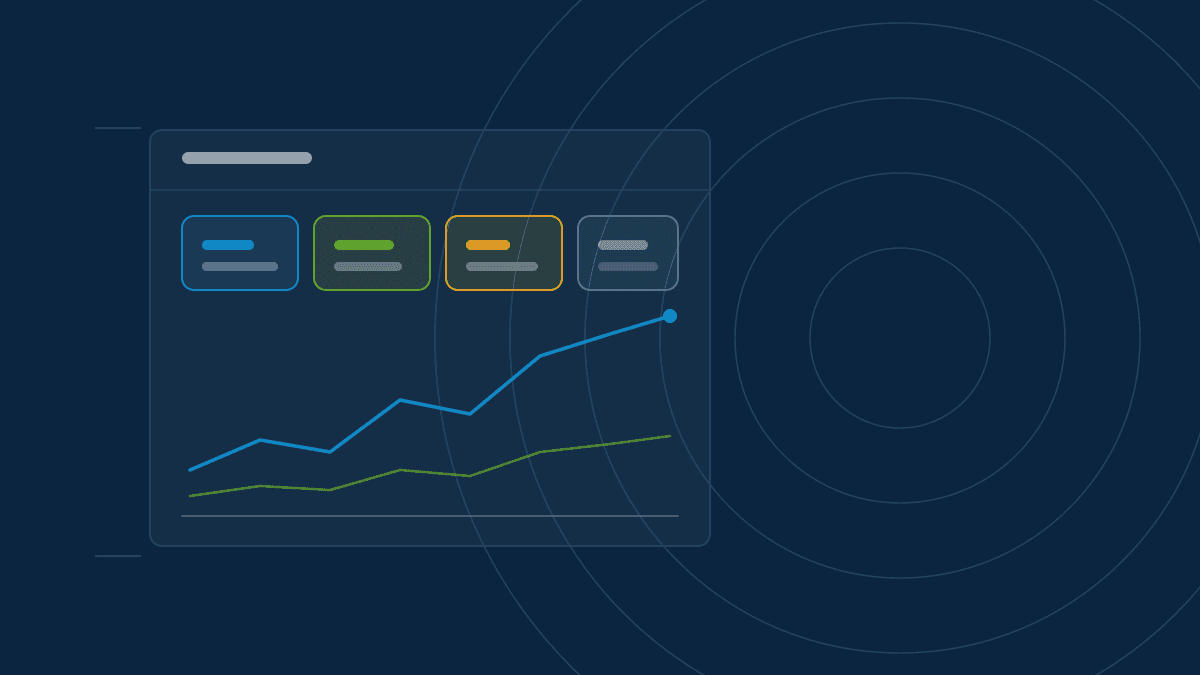
Google Search Console is the only tool that tells you what people typed before arriving at your site, and whether your pages were stored at all. It is free, and the data comes from the source rather than an estimate.
It is also crowded with reports you can safely ignore for the first three months. Four of them do nearly all the work.
First, verify properly
Add your site as a domain property rather than a URL prefix. A domain
property covers every variation — with www, without, http and https — in
one place. This requires adding a record with your DNS provider, which sounds
harder than it is and takes about ten minutes.
Then submit your sitemap. Do it once and forget it; there is no benefit to resubmitting weekly.
Data starts accumulating from verification, not retroactively. Verify today even if you plan to look at it next month.
Report one: Performance
This is the report you will live in.
Four numbers appear at the top: clicks, impressions, click-through rate, and average position. Turn on all four. Their relationships tell the story.
- Impressions rising, clicks flat. You are visible and unpersuasive. Look at titles and descriptions.
- Clicks and impressions both flat. A visibility problem, not a persuasion one.
- Position improving, clicks unchanged. Movement inside page two, which produces almost no traffic. Position eleven and position nine feel identical to a user.
Then open the Queries tab and read the actual phrases. This is the most honest keyword research available, because it describes people who genuinely reached you rather than a tool's estimate.
Sort by impressions and look for queries where you appear often but rank between eight and twenty. Each one is a page that needs an edit rather than a replacement.
Report two: Page indexing
This answers the question underneath every other question: are your pages actually stored?
Look at not indexed and read the reasons. Each is a diagnosis rather than a
complaint. A page excluded by a noindex tag was told to stay out — sometimes
by accident after a launch. A page crawled but not indexed was read and judged
not worth storing.
Watch the indexed count over time. A sudden drop almost always follows a deployment, and the deployment is where to look.
Report three: URL inspection
Paste any URL to see whether it is indexed, when it was last crawled, and what the crawler saw.
The most useful part is the rendered view. If your main content is missing from what the crawler read, you have found a rendering problem that no amount of writing will fix.
Use "request indexing" for genuinely important new pages. Use it sparingly; it is a nudge, not a lever.
Report four: Core Web Vitals
Check it monthly, not daily. Watch the share of URLs rated good rather than any single number, and treat it as a maintenance signal rather than a project — particularly after a redesign, which is where performance quietly regresses.
What to ignore for now
Links, manual actions, and international targeting all matter eventually. In your first ninety days they are distractions. Manual actions are rare, and if you have one, the notification will find you.
A rhythm worth keeping
Fifteen minutes weekly on the Performance report. Thirty minutes monthly on page indexing and Core Web Vitals. Export the queries once a quarter and keep the file, because Search Console only retains sixteen months and the year-over-year comparison becomes genuinely useful in year two.
That is the whole habit. It is less work than most people assume, and it replaces guessing with reading.
This article is general information published by TerraWell LLC and is not legal, financial, or guaranteed performance advice. For work scoped to your own website, see our services.
More from the blog
GEO4 min read
What Is Generative Engine Optimization, and How Is It Different From SEO?
AI assistants answer questions by summarizing sources rather than listing them. Generative Engine Optimization is the practice of making a business easy to summarize correctly.

SEO3 min read
A B2B SEO Audit Checklist You Can Actually Work Through
Most SEO audits produce a hundred findings and no clear order of operations. This checklist covers what to inspect first, why it matters, and when a finding is safe to ignore.

GEO3 min read
How AI Assistants Decide Which Sources to Cite
AI answer engines pull from a small pool of pages they consider clear and reliable. Here is what pushes a business into that pool, and what quietly keeps it out.