
Technical SEO
Crawling and Indexing, Explained Without the Jargon
Before a page can rank it must be found, read, and stored. Most invisible pages fail at one of those three steps, and the reason is usually visible in ten minutes.
3 min readTerraWell LLC
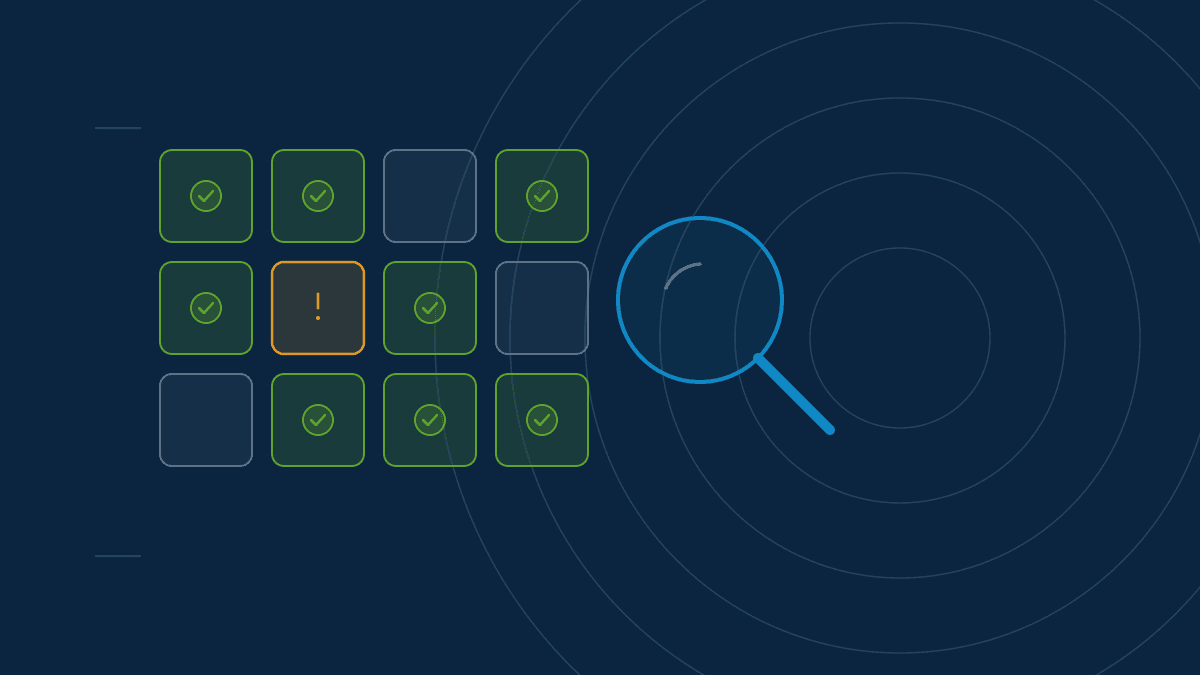
A page appears in search results only after three things happen. A crawler finds it. The crawler reads it. The search engine decides it is worth storing. Skip any step and the page does not exist, regardless of how good it is.
Most "my page isn't ranking" problems are really "my page was never stored" problems.
The library analogy
A crawler is a courier collecting books from publishers. Indexing is the librarian deciding which books get shelved and how they are catalogued. Ranking is what happens when a visitor asks for a recommendation.
Arguing about ranking while your book sits in the delivery van is a waste of energy. Check the van first.
Step one: can the crawler reach it?
Crawlers travel along links. A page with no links pointing to it — from your navigation, from another article, from anywhere — is a room with no door.
Common blockers:
robots.txtrules disallowing a directory, often left over from a staging site.- Login walls or forms. Anything requiring interaction is invisible.
- JavaScript-only navigation that produces no real links in the HTML.
- Orphan pages listed in a sitemap but linked from nowhere. Sitemaps are suggestions, not doors.
Step two: can it read the content?
Reaching a page is not the same as understanding it. If your main content only appears after scripts run, rendering becomes a dependency — and rendering is slower and less reliable than reading plain HTML.
A quick test: open the page, disable JavaScript, and reload. If the headline and body text survive, you are fine. If the page empties out, that is worth investigating before anything else.
Step three: is it worth storing?
This is where most people are surprised. Being crawlable does not guarantee being indexed. Search engines routinely decline to store pages they judge thin, duplicated, or low value.
Pages commonly left out:
- Near-identical variants of a page already stored
- Tag and filter pages with almost no unique text
- Thin pages of two or three sentences
- Pages explicitly marked
noindex, sometimes by accident
That last one deserves a check. A noindex tag left on after a site launch is
one of the most common and most costly errors in the field.
Reading the report
Google Search Console's page indexing report answers all of this directly. Two things to look at:
Not indexed, with reasons. Each reason is a diagnosis. Discovered – currently not indexed suggests the page was found but judged low priority. Crawled – currently not indexed means it was read and declined. Excluded by noindex tag means you told it to stay out.
Indexed count over time. A steady number is healthy. A sudden fall usually follows a deployment, and the deployment is where to look.
Sensible first moves
- Confirm important pages return a normal
200status and are not blocked inrobots.txt. - Confirm each has a self-referencing canonical tag rather than pointing at the homepage — a frequent CMS misconfiguration.
- Make sure your sitemap lists only live, indexable URLs. Stale entries waste crawl attention and signal neglect.
- Add internal links to anything orphaned.
- Use the URL inspection tool to request indexing for a handful of important pages. Use it sparingly; it is a nudge, not a lever.
What not to worry about
Crawl budget is a real constraint on sites with hundreds of thousands of URLs. On a site with sixty pages it is not your problem, and optimizing for it is a distraction.
Likewise, indexing is not instant. A new page may take days to appear. Give it two weeks before treating slowness as a fault — then check the report rather than guessing.
This article is general information published by TerraWell LLC and is not legal, financial, or guaranteed performance advice. For work scoped to your own website, see our services.
More from the blog
GEO4 min read
What Is Generative Engine Optimization, and How Is It Different From SEO?
AI assistants answer questions by summarizing sources rather than listing them. Generative Engine Optimization is the practice of making a business easy to summarize correctly.

SEO3 min read
A B2B SEO Audit Checklist You Can Actually Work Through
Most SEO audits produce a hundred findings and no clear order of operations. This checklist covers what to inspect first, why it matters, and when a finding is safe to ignore.

GEO3 min read
How AI Assistants Decide Which Sources to Cite
AI answer engines pull from a small pool of pages they consider clear and reliable. Here is what pushes a business into that pool, and what quietly keeps it out.